
After visiting the OPP/APEXPosed conference in Brussels I decided to write a post on how to create a relatively simple dynamic action in APEX. When you are working with password fields your only visual check to see if the entered text in both fields match may be the number of characters entered. Of course you can check for equality on submit but that may be a bit too late for the user.
For this post I will work with a textfield instead of a password field, but both will work the same.
First of all we create a page.
A simple blank page will do.
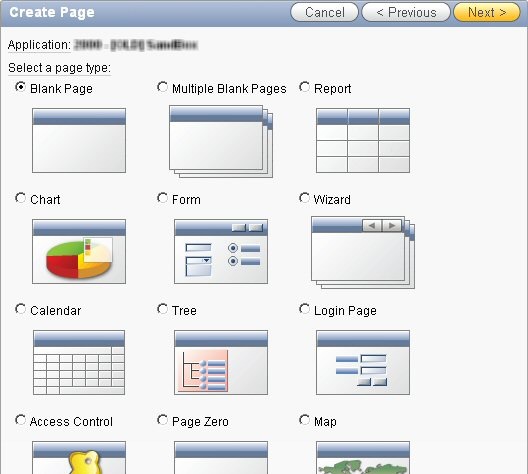
Give it a title. 
Add a simple HTML region to hold the items.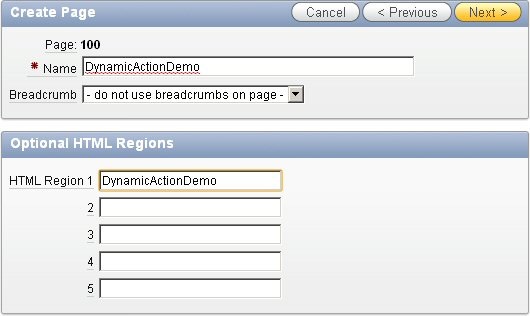
Don’t use tabs (for this demo ;-))
Review what you just chose: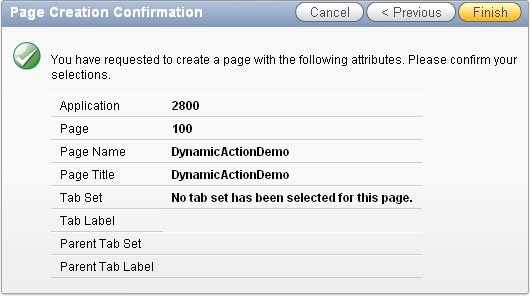 and press Finish.
The page should be created succesfully:
The page rendering part should look something like this: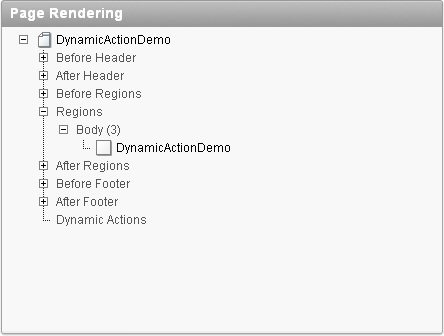
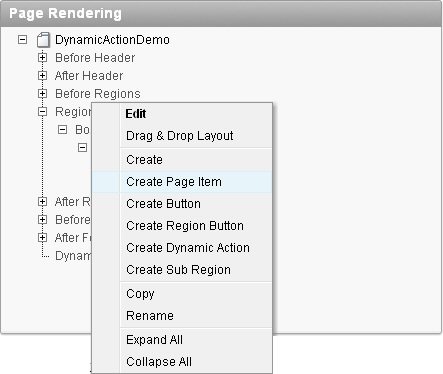
When you open the context menu on the region you can choose to create a Page Item:
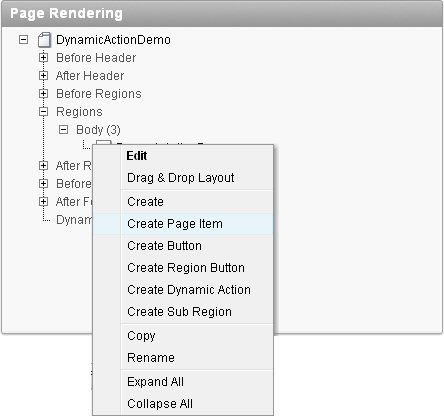
For the demonstration we will choose Text Field (that way what we enter will be visible)

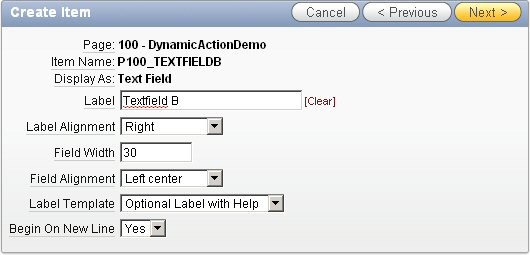
Give the item a name: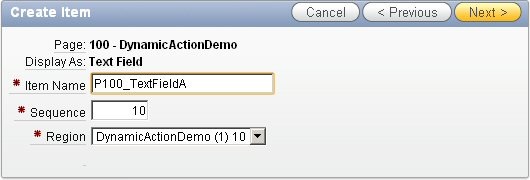
Give the item a label: 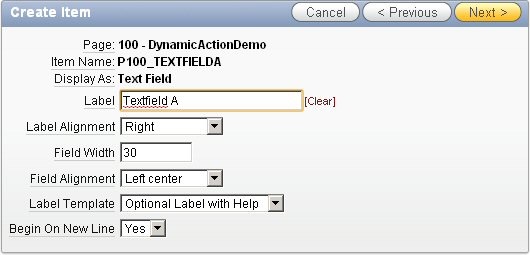
Review the chosen options:
The item doesn’t have to be conditionally displayed so you can just press ‘Create Item’ here: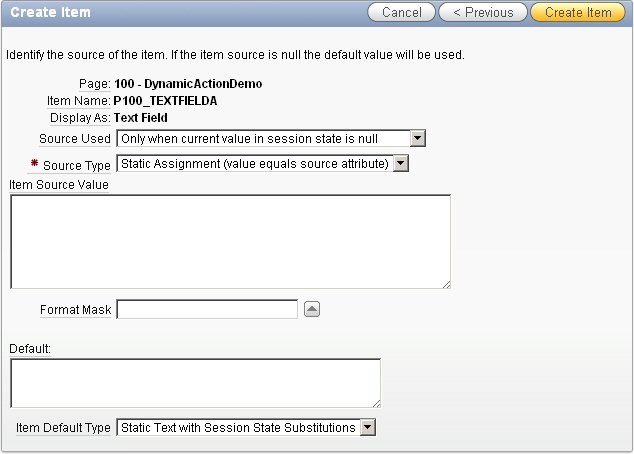
Repeat these steps for the second page item:




Now the page rendering portion will look something like this:

Using the context menu we can Create a Dynamic Action.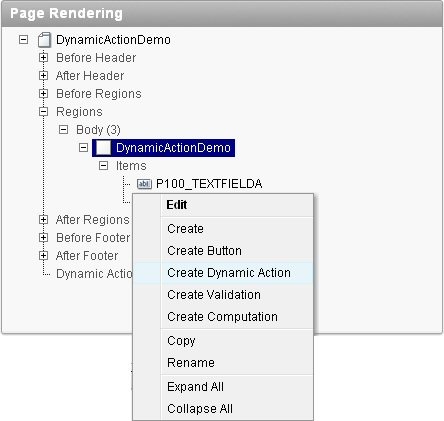
Give it a name and possibly a sequence.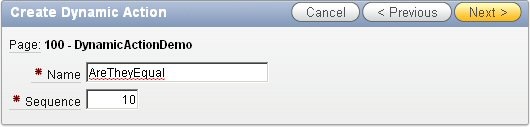
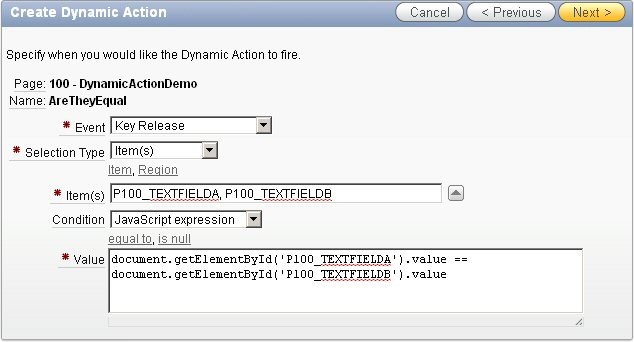
Choose the event to use for this Dynamic Action to fire. In this case I think On Key Release will be the best choice. Choose the Selection Type, this action will rely on changes of items. Choose the items you want to fire this action. In condition choose the kind of condition you want to use. Choose JavaScript Expression and type in your Javascript expression.
document.getElementById(‘P100_TEXTFIELDA’).value ==
document.getElementById(‘P100_TEXTFIELDB’).value
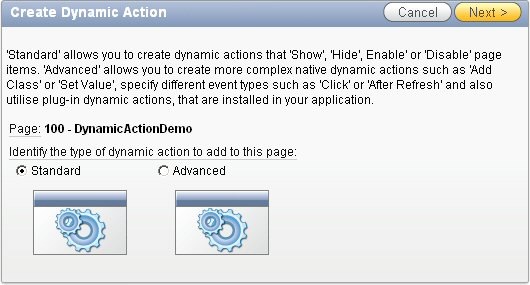
Then select the kind of Dynamic Action you wish to create. We will be creating an Advanced Action
Select what you will be doing when the condition evaluates to TRUE:
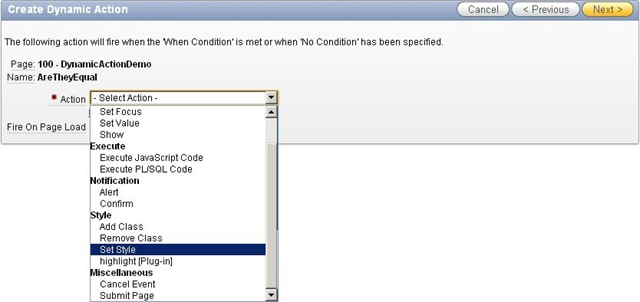
In this case we want to change the background color of the textbox, so we choose to Set the Style. We also want to execute this action when the page is loaded.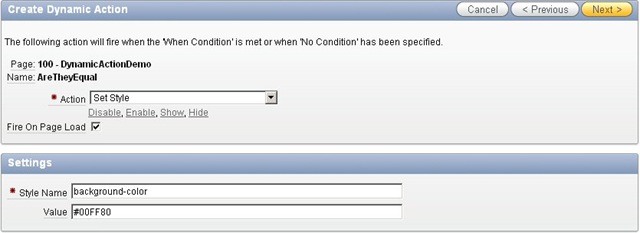
When the condition evaluates to FALSE we want to do the same action, but with a different color
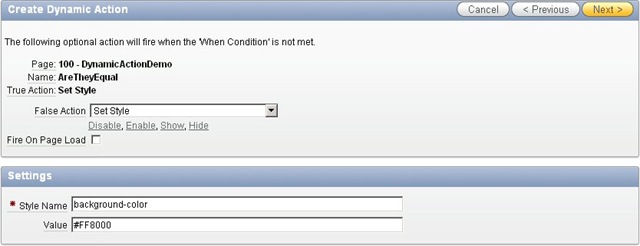
Then select the kind of page elements you want to be affected by this dynamic action.
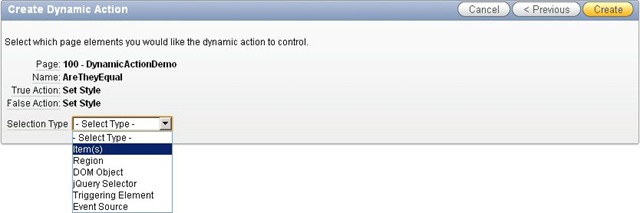
Next we choose on which fields this dynamic action will fire:
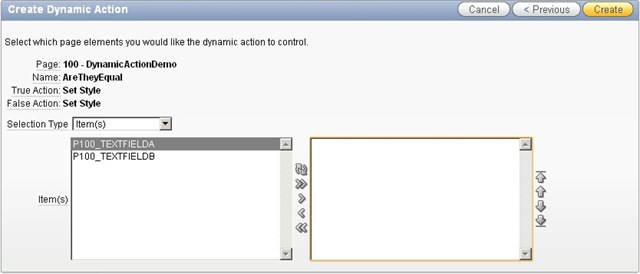
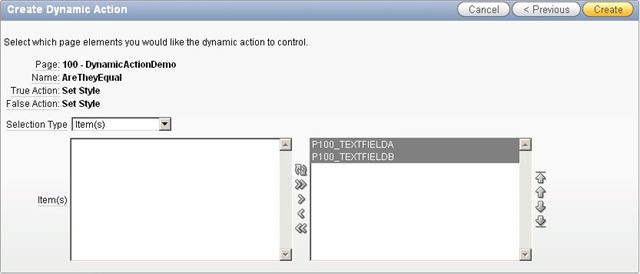
The Dynamic action now shows up in the Page Rendering section of our page.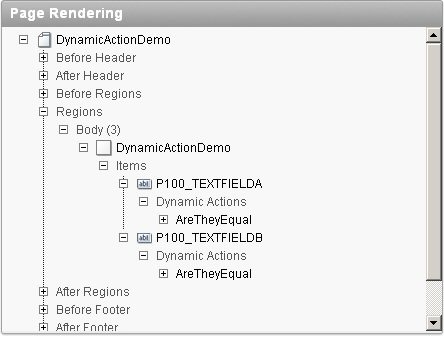
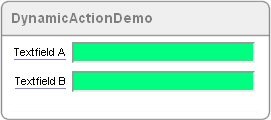
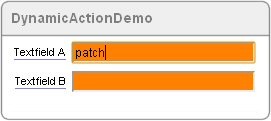
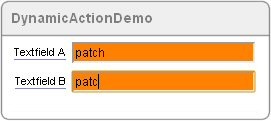
Running the page shows our Dynamic Action in action:

I hope this helps in your understanding of the process of building Dynamic Actions in APEX. Of course this is a pretty simple example and you can probably come up with better ideas for the use of Dynamic Action, but as you can see, this is done with next to no coding (just the Javascript for the condition took some coding).
This post has also been published on my personal blog: http://blog.bar-solutions.com

The page should be public now: http://apex.oracle.com/pls/apex/f?p=15616
Dear Sir,
Would you please send me the oppurtunity to see the page
http://apex.oracle.com/pls/apex/f?p=15616:1:737434100203603::NO
Â
Update: The $v() approach does seen to work. Maybe it was a glitch in my programming, maybe the update of http://apex.oracle.com did the trick. So, it is seems better to use the $v() approach and rely on what Oracle gives us.
Hi Patrick,
I tried using the $v() approach, but it didn’t seem to work.
Check out an example at: http://apex.oracle.com/pls/apex/f?p=15616
The first two items use the document.getElement… approach, the second two items use the $v approach.
Hi Patrick,
nice article to show how easy it is to use dynamic actions!
BTW, for the JavaScript expression you could use
$v(‘P100_TEXTFIELDA’) === $v(‘P100_TEXTFIELDB’)
instead of document.getElementById(‘P100_TEXTFIELDA’).value
The advantage is that our $v and $s functions are aware of the item type and always return the correct value.
Regards
Patrick